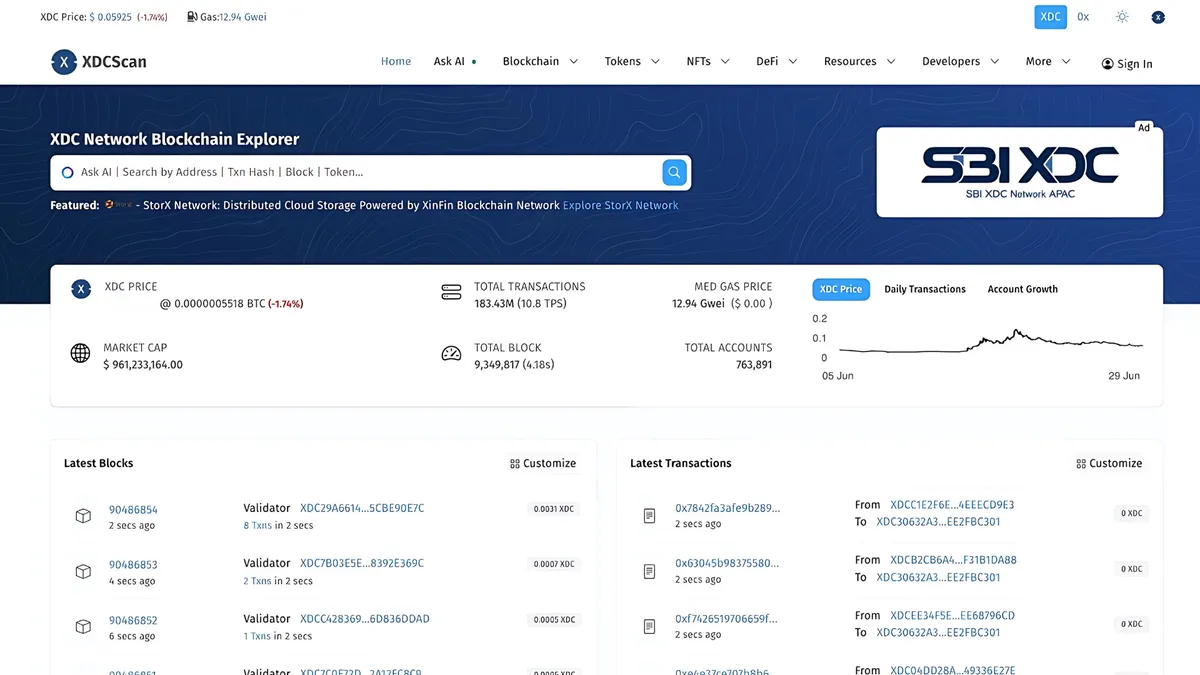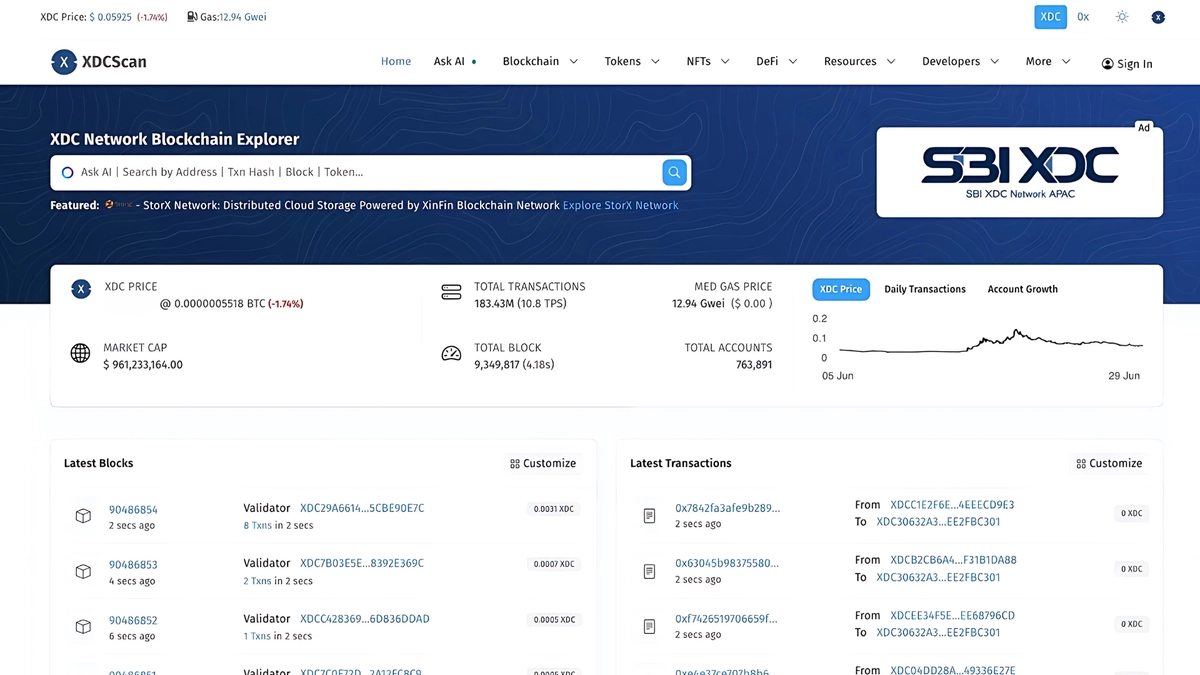
Every screen you see on xdcscan.io is powered by the same REST API you can call yourself — no API key, no signup. In this tutorial we build a wallet-history tracker from scratch: fetch every transaction for an address, page through the full history, and enrich it with token transfers.
Note: the XDC explorer API was intermittently unavailable while this post was being written. The examples below use the documented Blockscout v2 response shape (OpenScan.AI’s API is Blockscout-compatible) and are available when the API is live. Interactive docs: xdcscan.io/api-docs.
What we’re building
A script that, given an XDC address:
- Fetches the address overview (balance, token holdings).
- Pages through its complete transaction list.
- Pulls ERC-20 token transfers for the same address.
- Prints a consolidated history.
Everything runs against https://xdcscan.io/api/v2.
Step 1 — Fetch the address overview
curl -s "https://xdcscan.io/api/v2/addresses/0xYOUR_ADDRESS_HERE" | jqResponse (Blockscout v2 shape, trimmed):
{ "hash": "0xYourAddress...", "coin_balance": "1502300000000000000000", "exchange_rate": null, "is_contract": false, "is_verified": null, "token": null, "watchlist_names": []}coin_balance is in Wei (1 XDC = 10^18 Wei). XDC uses xdc… prefixed addresses in some wallets; the API accepts the standard 0x… form — just replace the leading xdc with 0x.
Step 2 — Page through the full transaction history
curl -s "https://xdcscan.io/api/v2/addresses/0xYOUR_ADDRESS_HERE/transactions" | jq{ "items": [ { "hash": "0xTxHash...", "block": 81234567, "timestamp": "2026-08-30T12:34:56.000000Z", "from": { "hash": "0xSender..." }, "to": { "hash": "0xRecipient..." }, "value": "1000000000000000000", "fee": { "type": "actual", "value": "21000000000000" }, "status": "ok", "method": null } ], "next_page_params": { "block_number": 81234000, "index": 49, "items_count": 50 }}When next_page_params is null, you’ve reached the end. Otherwise, pass its fields back as query parameters:
curl -s "https://xdcscan.io/api/v2/addresses/0xYOUR_ADDRESS_HERE/transactions?block_number=81234000&index=49&items_count=50" | jqStep 3 — A runnable JavaScript tracker
Save as wallet-history.mjs and run with Node 18+ (no dependencies):
const API = "https://xdcscan.io/api/v2";const ADDRESS = "0xYOUR_ADDRESS_HERE"; // replace with the wallet to track
async function fetchAllTransactions(address) {  const txs = [];  let params = null;
  do {    const query = params ? "?" + new URLSearchParams(params).toString() : "";    const res = await fetch(`${API}/addresses/${address}/transactions${query}`);    if (!res.ok) throw new Error(`API error: ${res.status}`);    const data = await res.json();
    txs.push(...data.items);    params = data.next_page_params;  } while (params);
  return txs;}
const txs = await fetchAllTransactions(ADDRESS);console.log(`Found ${txs.length} transactions for ${ADDRESS}`);
for (const tx of txs) {  const xdc = (BigInt(tx.value) / 10n ** 18n).toString();  const direction =    tx.from.hash.toLowerCase() === ADDRESS.toLowerCase() ? "OUT" : "IN";  console.log(`${tx.timestamp}  ${direction}  ${xdc} XDC  ${tx.hash}`);}
Step 4 — Add token transfers
Native XDC transfers are only half the story. ERC-20 movements live on a separate endpoint:
curl -s "https://xdcscan.io/api/v2/addresses/0xYOUR_ADDRESS_HERE/token-transfers" | jqEach item includes token (name, symbol, decimals), total.value (raw amount), and total.decimals — divide to get the human-readable amount. The same next_page_params pagination applies. Other useful address endpoints:
/addresses/{hash}/internal-transactions— internal (contract-triggered) XDC transfers/addresses/{hash}/token-balances— current token holdings/addresses/{hash}/counters— transaction and transfer counts
Step 5 — Rate limits and good manners
The API is free and keyless, so be a good citizen: serialize your page fetches (as the script above does), back off on HTTP 429/403, and cache results locally instead of re-crawling history on every run.
What’s next
- Map these endpoints to the explorer UI in the endpoint showcase.
- Export the same history as CSV for accounting — see Export XDC transactions for taxes with CSV exports.
- Browse the full API surface at xdcscan.io/api-docs or our API overview.
Questions or improvements? Open an issue on GitHub or reach the team via the contact form.