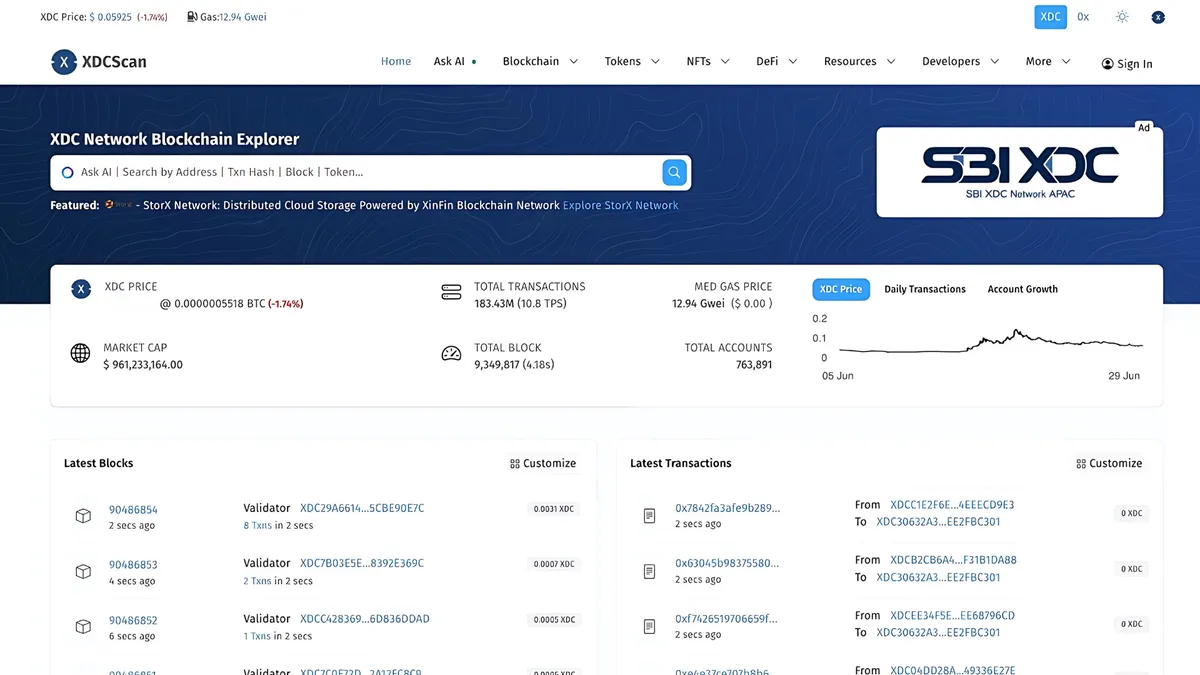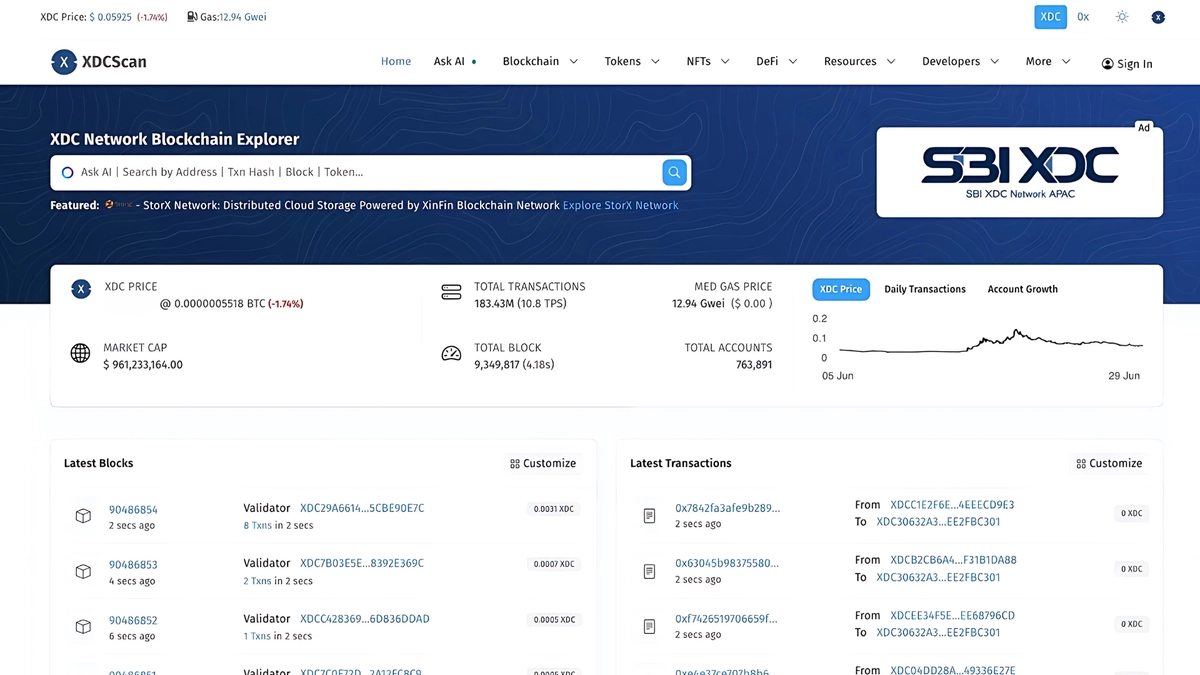
Tax season means reconciling every transaction your wallets made. OpenScan.AI’s built-in CSV export turns an address page on xdcscan.io into a spreadsheet in a couple of minutes — no code and no API key required. This tutorial walks the full flow: export transactions, internal transactions, and token transfers for a tax period, then combine them into one report.
Nothing here is tax advice — it is a data-wrangling guide. Confirm filing requirements with a qualified professional in your jurisdiction.
What you’ll export
For a complete picture of one wallet you typically need three CSVs, all available from the address page:
- Transactions — native XDC in/out, with fees.
- Internal transactions — XDC moved by contract execution (staking rewards, contract payouts).
- Token transfers — ERC-20 movements (from the Tokens tab).
Step 1 — Open the address page
Go to xdcscan.io and search your wallet address. If your wallet shows an xdc…-prefixed address, that’s the same account — the explorer accepts both forms.
Step 2 — Export each tab to CSV
- On the address page, open the Transactions tab.
- Click Download CSV under the list. You’ll be forwarded to the
/csv-exportpage for that address and export type. - Set the period to your tax year (e.g.
2025-01-01→2025-12-31). The default period is the previous month, so adjust it. - Complete the reCaptcha and download the file.
- Repeat for the Internal transactions and Tokens tabs (the Tokens tab exports token transfers).
Full details on the feature live in the CSV Exports doc.
Tip: to avoid the 30-second export timeout on very active wallets, export quarter by quarter and concatenate the files — the column layout is identical.
Step 3 — Combine the files
Open the CSVs in your spreadsheet tool of choice. A practical layout for a tax-ready sheet:
| Date (UTC) | Type | Asset | Amount | Fee (XDC) | Tx hash |
|---|---|---|---|---|---|
| 2025-03-14 09:12 | Native in | XDC | 1,250.00 | 0 | 0x… |
| 2025-03-14 09:12 | Fee | XDC | -0.000021 | 0.000021 | 0x… |
| 2025-04-02 17:45 | Token out | USDT | 500.00 | 0.000021 | 0x… |
- Append all exports into one sheet, tagging each row with its source (native, internal, token).
- Sort by timestamp to reconstruct the chronological history.
- Keep the transaction hash column — it’s your audit trail back to the explorer.
Step 4 — Value the disposals
CSV exports contain on-chain amounts, not fiat values. For each disposal (sends, swaps, fees) you need the fair-market value at the time of the transaction:
- Note the UTC timestamp of each outgoing transaction.
- Pull the historical XDC/USD price for that moment from your price source of choice.
- Multiply, and record proceeds and cost basis per your local rules.
Active traders usually automate this with the API instead — see Track a wallet’s full history with the OpenScan API, which pages through the same data programmatically, and the endpoint showcase for the exact endpoints involved.
Step 5 — Reconcile and file
Sanity-check the final sheet:
- The sum of native in/out plus fees should match the wallet’s balance change over the period.
- Every token disposal has a timestamp, amount, and valuation.
- Hashes resolve on xdcscan.io if anyone asks for proof.
Hand the sheet to your accountant or import it into your crypto-tax tool’s generic CSV format.
What’s next
- CSV Exports documentation
- API overview for programmatic exports
- Interactive API reference at xdcscan.io/api-docs
Questions or improvements? Open an issue on GitHub or reach the team via the contact form.