Blockchain technology has brought about significant advancements in the financial sector, providing a transparent, decentralized and secure system for conducting transactions. XDC Network is one such blockchain network that provides secure and cost-effective solutions for financial transactions.
If you are working on an application that uses XDC Network, you might need to fetch the balance of an XDC address. In this article, we will explore how to fetch the balance of an XDC address using Web3 and Node.js with BlockScan — XDCRPC.
Web3 is a collection of libraries that allow developers to interact with Ethereum-based blockchain networks. It provides a JavaScript API that can be used to interact with a blockchain network using Node.js. Node.js is an open-source JavaScript runtime environment that runs on the server-side.
BlocksScan — XDCRPC is a public API endpoint that provides access to the XDC Network. It allows developers to interact with the network without running a full node.
Getting Started
Before we start, make sure you have Node.js installed on your machine. You also need an XDC address that you want to check the balance of.
Step 1: Create a folder Test folder and install the dependencies in it.
npm install -- S web3@1.2.2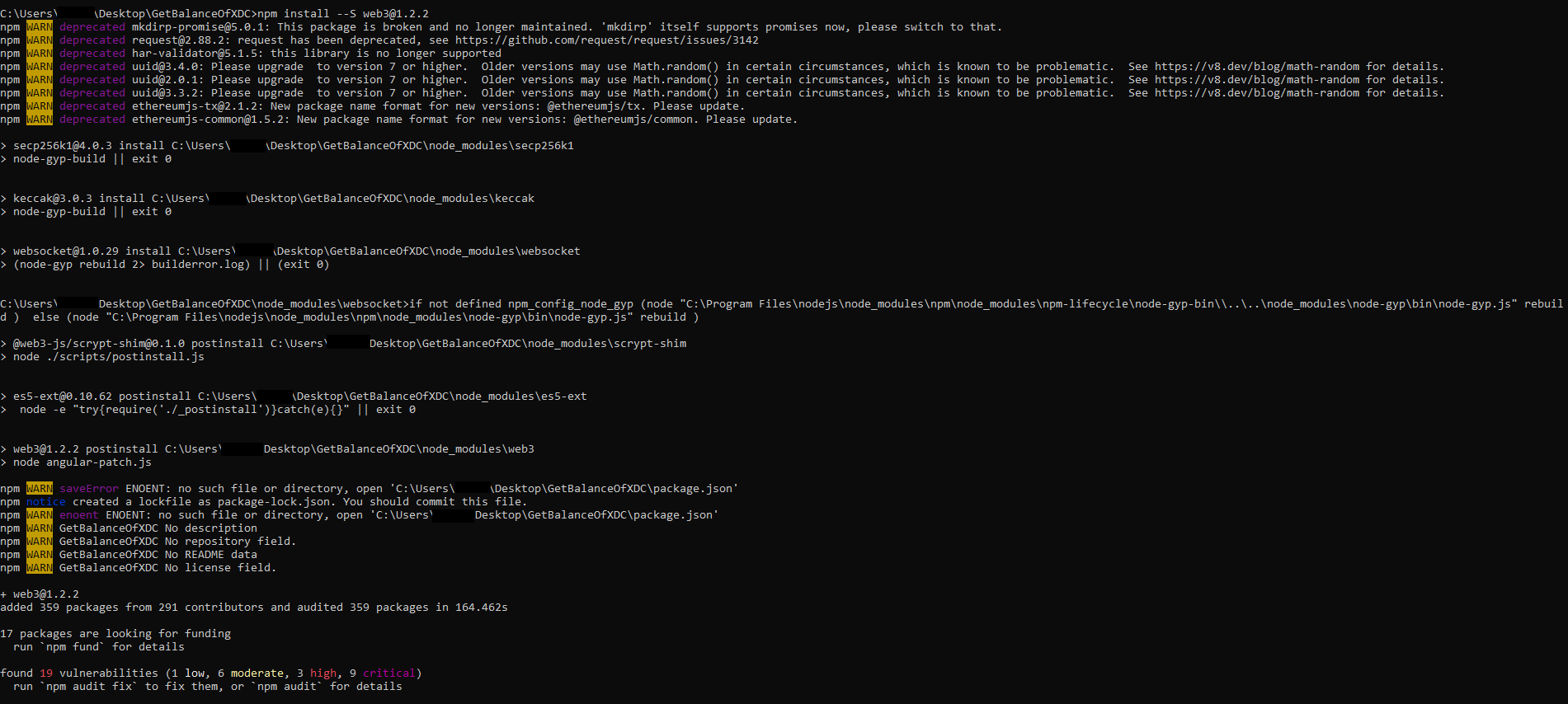
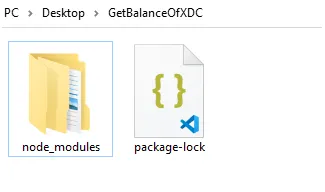
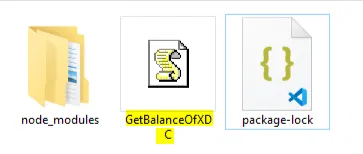
Step 2: Now create a GetBalanceOfXDC.js file in the same folder, properly save it with JS extension.
Note: Replace the address with the actual XDC address that you want to check the balance of.
You can use the below RPC endpoint:
const Web3 = require("web3");const xdcNetwork = 'https://rpc.xdcrpc.com';const web3 = new Web3(new Web3.providers.HttpProvider(xdcNetwork));
// let's fetch a balance
web3.eth.getBalance('0x7c75689c3DCA3f47570DA76e89eebC856f0E4a0F', async (err, result) => {    if (err) {        console.log(err);        return;    }    let balance = web3.utils.fromWei(result, "ether");    console.log(balance + " XDC");});
Step 3: Run the code by entering the below command on the terminal, to get the balance of the XDC.
node filename.js

However, using the “getBalance’’ method directly can be slow, as it requires querying the entire blockchain. Instead, we can use the BlocksScan — XDCRPC endpoint to fetch the balance more quickly.
In this article, we explored how to fetch the balance of an XDC address using Web3 and Node.js with the — XDCRPC endpoint. For any doubts or question comment below or post on social media tagging BlocksScan.
Follow us to know more updates: