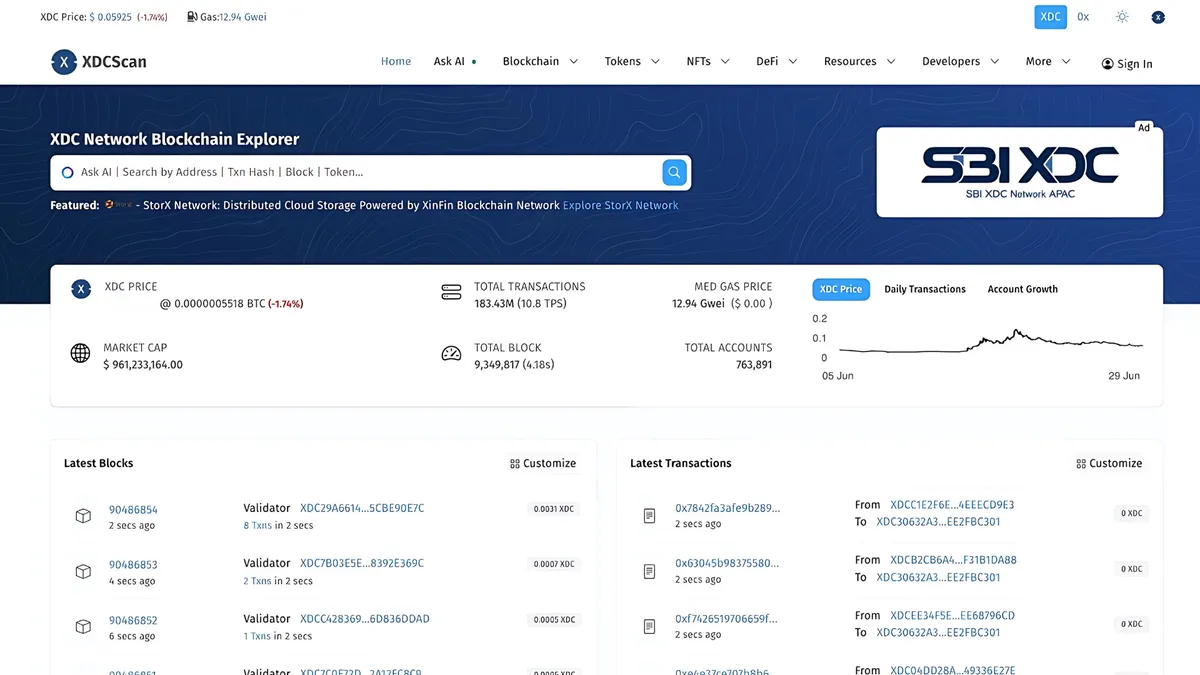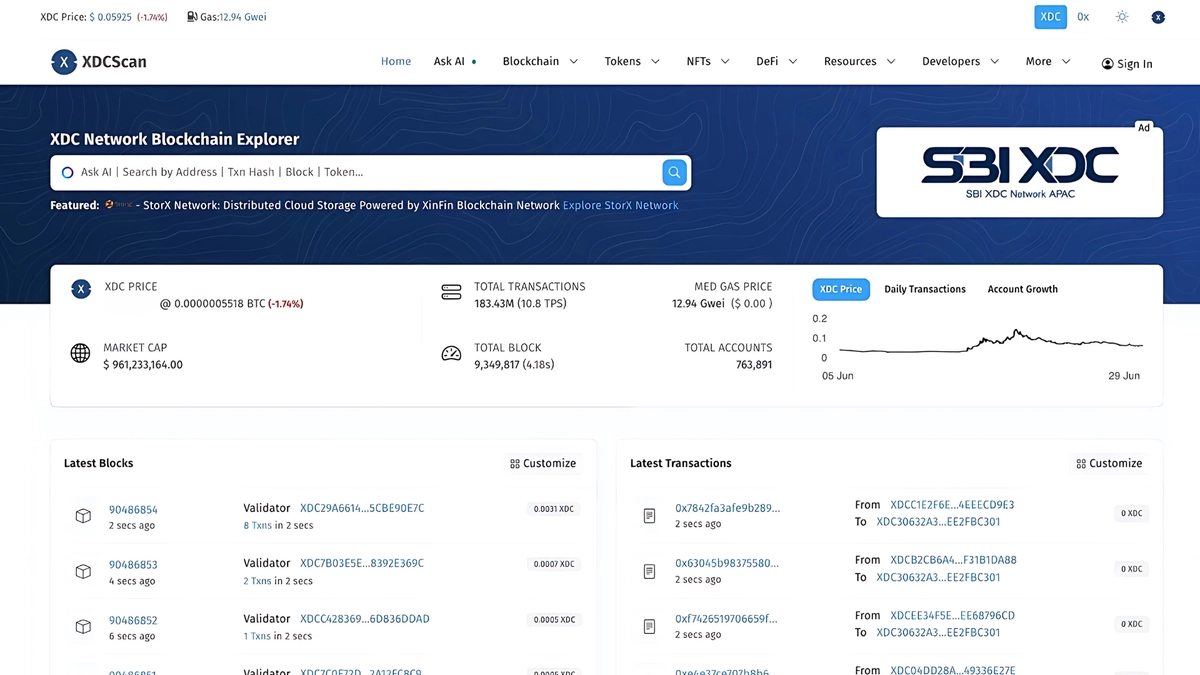
OpenScan: A Next-Generation Blockchain Explorer
OpenScan is an advanced blockchain explorer that offers deep insights into blockchain transactions, smart contracts, and network activity. Acting as a search engine for blockchain networks, XDCScan powered by OpenScan enables users to track transactions, validate smart contracts, and analyze token transfers in real-time. Whether you’re a developer, trader, or blockchain enthusiast, OpenScan provides the transparency and tools needed to navigate blockchain ecosystems efficiently.
If you would like to add a logo and details for your token to OpenScan Explorer, please follow the guidelines below.
##Image Requirements
- File Extension: Only .png is accepted. Uppercase .PNG files will be considered invalid.
- File Name: The file name should be your token symbol in lowercase. For example, tokens/img/usdt.png.
- Size: The image should be 256px by 256px.
- Background: Preferably transparent.
- Optimization: Use a simple drag-and-drop online service like TinyPNG to optimize the image size.
##Token Information Requirements
- File Extension: Only .json is accepted. Uppercase .JSON files will be considered invalid.
- File Name: The file name should be your token symbol in lowercase. For example, tokens/config/usdt.json.
- Required Fields: symbol, name, website
##Example
Below is an example of a JSON file containing the necessary token information:
{ "id": "0xd12f7a98c0d740e7ec82e8caf94eb79c56d1b623", "symbol": "os", "name": "OpenScan", "description": "OpenScan's XRC20 token", "website": "https://openscan.ai/", "auditReport": { "SlowMist": "" }, "communities": { "email": "support@blocksscan.io", "telegram": "https://t.me/OpenScanAi", "reddit": "https://www.reddit.com/r/", "medium": "https://medium.com/", "youtube": "https://www.youtube.com/@OpenScanAI", "twitter": "https://x.com/OpenScan_Ai", "facebook": "https://www.facebook.com/", "github": "https://github.com/OpenScanAi", "coinmarketcap": "https://coinmarketcap.com/currencies/", "coingecko": "https://www.coingecko.com/en/coins/" }}##Adding a New Account Tag
To add a new account tag, follow these steps:
- Locate the Configuration File: The configuration file is located at
eaas/config/XDC/AccountName.json. - Open the File: Use a text editor to open
AccountName.json. - Add the Account Tag: Add a new entry to the JSON file with the appropriate details.
##Example
Below is an example of how to add a new account tag to the AccountName.json file:
{ "0xYourAccountAddressHere": "YourAccountTagName"}Make sure to include the following fields for each new account tag:
- 0xYourAccountAddressHere: The blockchain address of the account.
- YourAccountTagName: The name you want to associate with this account.
By following these guidelines, you can ensure that your token’s logo, details, and account tags are correctly displayed on XDCScan - OpenScan Explorer.
For more insightful articles and guides, stay connected and follow us on various platforms.
Main Source: https://github.com/OpenScanAI/assets?tab=readme-ov-file#adding-your-token-logo-and-details-to-blocksscan-explorer
Please Follow👇